One Reference Image Generates Image And Video
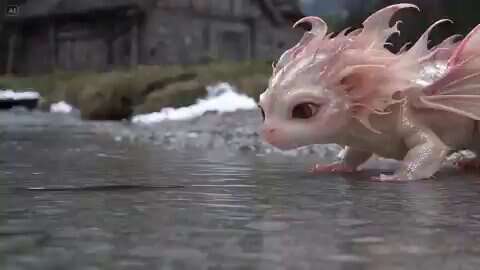
A cinematic fantasy scene featuring a tiny, adorable baby pink dragon with translucent, delicate wings, pearlescent scales, large expressive eyes, and soft flowing spines along its…
オープンソース の素晴らしい動画プロンプト集 · 7,786件収録
5 件の tool プロンプトを掲載しています。ライブラリ全体の 7,786 件中 0.1% に相当し、多くは Seedance 2.0, Gemini Omni Flash, MiniMax H3 向けに書かれています。各項目には完全なプロンプト本文・元動画・使用モデルを併記しています。
This page collects 5 tool video prompts from our library. Every card shows the clip it was generated from and the model that made it; one click copies the prompt, and the title opens the entry page where the full text is written out.
The models behind these prompts are Seedance 2.0, Gemini Omni Flash, MiniMax H3 and Runway, and 2 of these prompts (40%) were generated with Seedance 2.0.
We currently publish 5 tool prompts, out of 7,786 prompts in the whole library.
Seedance 2.0 is the most used model for this category, covering 2 of the 5 tool prompts (40%). After it come Gemini Omni Flash and MiniMax H3.
The tags that most often appear alongside tool in the same prompt are tutorial, workflow and cinematic — tutorial alone shares a prompt with 4 of them. Following those links is the fastest way to move from a look you like to the specific prompts that achieve it.
Click the card (or the prompt text on it) and the prompt is copied to your clipboard. The card only shows the opening lines — the copy pulls the complete text first, so you get the whole prompt rather than the truncated preview.
A cinematic fantasy scene featuring a tiny, adorable baby pink dragon with translucent, delicate wings, pearlescent scales, large expressive eyes, and soft flowing spines along its…
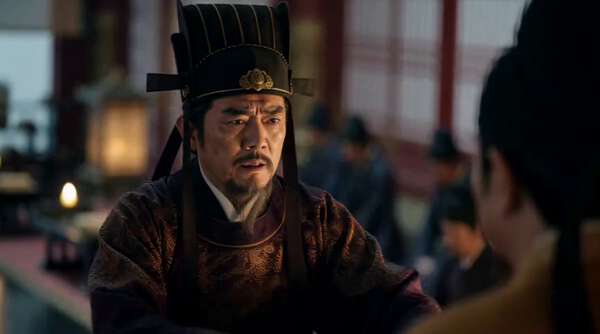
subject_definitions: <Subject 1> is Zhangsun Wuji from the first reference image: male Tang statesman and imperial relative, composed but tense, formal official robe, intelligent c…
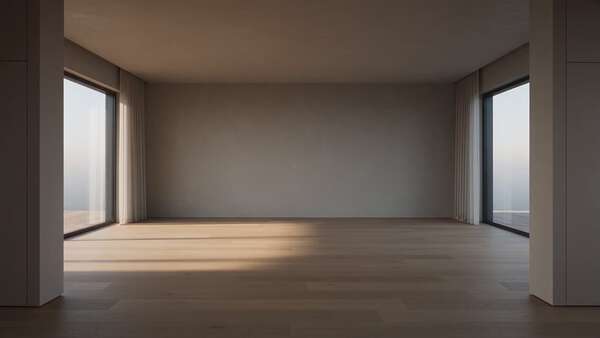
Ultra-realistic architectural transformation showcase, one seamless 30-second cinematic shot. Smooth slow dolly-in with a subtle orbit inside the same living room. Premium interior…
Show me what happens in between. USE MULTIPLE CAMERA ANGLES
画面の 左側が「入力・設定エリア」 右側が「制作エリア」 【左側】入力・設定エリア ここに、人間が「総監督」として、作品の方向性を入力していきます。 ユーザーの抽象的なリクエスト(例:戦うシーン)に対し、AIディレクターが即座に制作プランを提示。 「キャラクター」を入れると具体的なワークフローが自動で組まれます。 動画の長さ、アスペクト比などをワンクリックで…