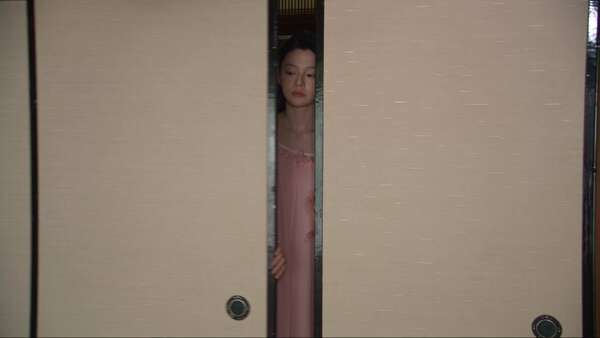
A Bedroom Reset in Early-2000s Japan
Create a 30-second ultra-realistic early-2000s Japanese home vlog featuring the same young Japanese girl with consistent face, hairstyle, and outfit. Scene 1: She enters her bedroo…
オープンソース の素晴らしい動画プロンプト集 · 7,290件収録
Create a 15-second vertical 9:16 live-action “dress-up game” video. The reference video controls the fixed camera, full-body composition, character actions, interface layout, transformation timing and editing rhythm. The character reference controls the character’s face, body proportions, straight black bangs, two thick braided pigtails and final worn outfit. The five UI slot assets exclusively control the exact thumbnail content and locked slot order. Ignore the white turnaround-sheet background and layout of the character reference.
Use a fixed, slightly high-angle wide camera with the character’s full body centered and visible throughout. Set the video inside a bright strawberry-themed Lolita dressing room: warm cream walls, cherry-red scalloped trim, white lace curtains, a red gingham armchair, an ivory wardrobe with red handles, a vintage vanity, strawberry cushions and a delicate tea set. Soft warm daylight, clean shadows and a coordinated cream, strawberry-red and pale-pink palette. Cute, refined and cozy, never dark or gloomy.
0–3.5s: The character stands sleepily in loose cream satin pajamas with red piping. She already has the exact face, straight bangs and two braided pigtails from the character reference, but she is not wearing the final headbow. A large red pixel-art arcade claw descends from the top of the frame. The claw is made of glossy cherry-red metal segments, deep burgundy pixel outlines, cream-white highlights and red heart-shaped joints. It gently closes around her shoulders, activates her with red heart sparkles, releases her and retracts upward.
3.5–5.8s: She slowly raises her head, yawns, rubs her eyes and stretches both arms overhead. A red-and-cream pixel progress bar appears near the bottom and rapidly fills. Add playful activation beeps and small strawberry-red sparkles.
5.8–12.8s: A retro pixel-game interface appears. Display “DRESS UP” in the upper left, three red heart icons, one small red close button in the upper right and one static vertical inventory menu along the left edge.
The inventory menu contains exactly five equally sized slots arranged vertically. The five attached UI slot assets are mandatory ready-made thumbnails. Insert each asset directly into its assigned slot without redrawing, reinterpreting or replacing its garment. Preserve the original garment silhouette, crop, orientation, colors and details. Place every asset on a cream square with a consistent cherry-red pixel border.
Locked top-to-bottom slot order:
Slot 1: the ivory-white inner blouse with its ruffled hem, delicate collar and front button details.
Slot 2: the cream strawberry-print suspender Lolita dress with shoulder straps, red chest bow, full bell-shaped skirt, pink decorative bows, vivid-red strawberry border and white lace hem.
Slot 3: the cherry-red cropped knitted cardigan with long sleeves, fitted waist, front buttons and small ribbon decorations.
Slot 4: the white ruffled ankle socks and glossy strawberry-red Mary Jane shoes with ankle straps and large front bows.
Slot 5: the symmetrical cream-white and strawberry-red lace headbow with its original curved shape, ruffled edges and red printed details.
All five thumbnails must appear once and only once. They remain visible, static and unchanged for the entire dress-up sequence. Selecting a slot only adds a small red glow, check mark or highlight around that same slot. Never regenerate, duplicate, merge, replace, shuffle or swap the five thumbnails. Do not derive additional UI thumbnails from the full character reference.
Dress-up timeline:
5.8–7.2s — Select slot 1. The pajama top is instantly replaced by the exact ivory-white inner blouse shown in UI slot 1.
7.2–8.4s — Select slot 2. The pajama bottoms disappear and the exact strawberry suspender Lolita dress shown in UI slot 2 appears over the blouse. Preserve the blouse underneath.
8.4–9.7s — Select slot 3. The exact cherry-red knitted cardigan shown in UI slot 3 appears over the existing dress.
9.7–11.1s — Select slot 4. The exact white ruffled socks and red Mary Jane shoes shown in UI slot 4 appear together in one transformation.
11.1–12.8s — Select slot 5. The exact cream-and-red lace headbow shown in UI slot 5 appears on top of the character’s head, matching the final character reference in shape, scale and placement.
Each selection uses one crisp instantaneous hard cut with a small burst of red hearts and cream sparkles. Previously equipped pieces remain unchanged while the next item is added. The item appearing on the character must visually match its corresponding attached UI asset. The character makes small surprised reactions and briefly glances toward the selected slot.
12.8–15s: The character now matches the complete front-view styling in the character reference. She performs a small joyful bounce, lightly lifts both sides of her strawberry skirt and finishes with a cute V-sign. Large red-and-cream pixel text “COMPLETE!” appears across the center, surrounded by hearts, strawberries and sparkling particles.
Realistic live-action texture with a polished social-media aesthetic. All claws, interface borders, icons, hearts, progress bars and selection highlights use the same strawberry-red, burgundy and cream visual system. Keep the face, braids, body proportions and equipped clothing consistent in every frame. No duplicated thumbnails, no repeated dress, no second footwear icon, no question mark, no extra inventory slots, no shuffled order, no generic substitute garments, no dissolving clothes, no body morphing, no extra characters and no dark lighting. Playful retro-game music, claw-machine sounds, menu clicks and sparkle chimes; no dialogue.
Create a 30-second ultra-realistic early-2000s Japanese home vlog featuring the same young Japanese girl with consistent face, hairstyle, and outfit. Scene 1: She enters her bedroo…
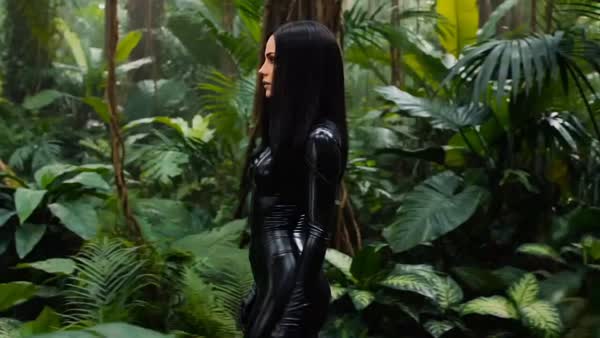
Cinematic realistic jungle scene, misty rainforest, soft natural light. A tall woman with long black hair in a glossy black bodysuit walks forward, then crouches low. Extreme close…
Create a 15-second authentic UGC-style ad for a perfume. Adult female creator in her bedroom, filming herself on a smartphone. Beige fitted top, light-wash jeans, small silver hoop…
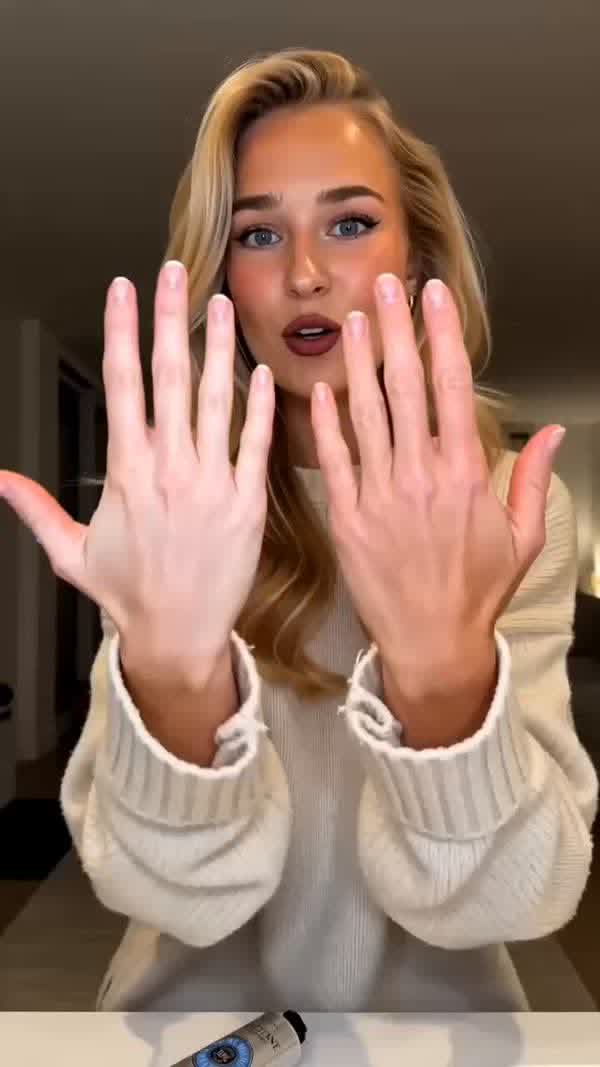
9:16, 24fps, 15 seconds. Cozy indoor setting, soft warm light. UGC style — friendly, relatable. 0-4s: Medium close-up — the girl holds up both hands to camera — one hand is visibly…
Create an ultra-realistic cinematic video of a beautiful black-and-white Siberian Husky with striking blue eyes exploring a snowy mountain landscape at sunset. The environment feat…
Created a 25 second video, beautiful Korean girls, cinematic lifestyle film set in a beautiful coastal city, capturing the peaceful and aesthetic moments of everyday life. Begin wi…
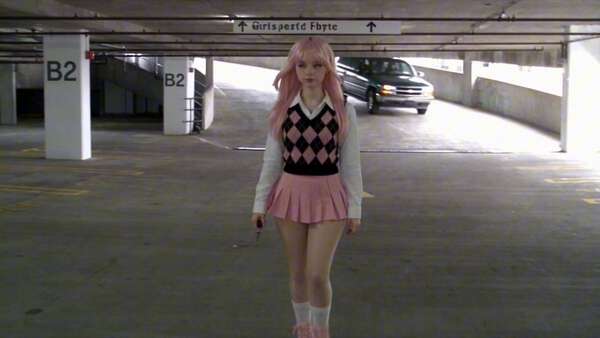
THE UNDERGROUND PARKING GARAGE AMBUSH VISUAL STYLE Ultra-photorealistic live-action action cinema combining the brutal close-quarters choreography of Korean action films with the s…
Ultra-realistic urban crime-thriller, one seamless 30-second continuous shot. Gritty premium realism, restless handheld energy, long-lens hallway tension, impossible micro-camera m…
Create a 15-second ultra-cinematic, photorealistic disaster sequence beginning during a beautiful sunny afternoon in a densely populated Mediterranean coastal city before a colossa…
Create a 15-second ultra-cinematic, photorealistic disaster sequence beginning during a peaceful sunny afternoon at a bustling coastal city harbor before an enormous tsunami sudden…
FORMAT: 18 seconds, 9:16 vertical, 1080p, high bitrate, generated audio enabled. One continuous live-action shot. Real-time motion throughout. No cuts, slow motion or camera zoom. …
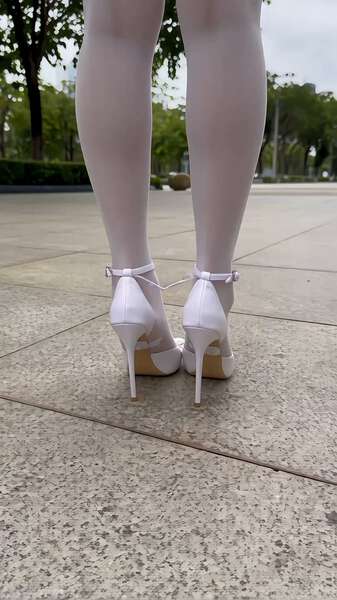
Duration:10秒 Aspect ratio:9:16竖屏 Reference / SUBJECT:@图片1=主角,锁定脸、发型、体型、服装、配饰和鞋履,全程同一人物、同一造型。以下正文只使用“主角”指代。 Style:真实手机街拍,户外自然柔光,真实广角透视,连续拍摄质感。 Audio:自然环境声,后半段有轻微脚步声,无对白、旁白、歌词和字幕。 核心…