 Seedance 2.0
Seedance 2.0 Video Reference Guide
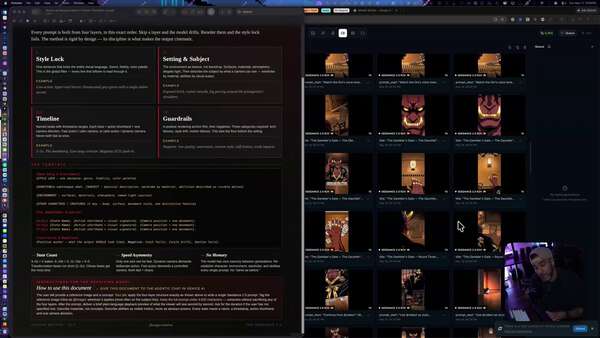
Let's talk about 3 ways to level up your Video Reference usage in Seedance 2.0....some may surprise you... Pre Context: To begin, all of this is referring to the Prompt Template PDF to be used in conjunction with the Agentic Chat over on @AskVenice. To use this, drop the PDF document in the Agentic chat. Give the chat whatever reference image you're using, and then tell it what you would like to see in your prompt. The agent will read the instructions and write you a well-structured Seedance 2.0 prompt. You can download the PDF here: https://t.co/UgeuniajcM 1. VFX and Editing Footage I made this video only by using the input video and ref. image. The agent did not see my video. I roughly explained what was happening and told it the exact second that I wanted the action with the Kraken to happen. Be sure to use the language that you are editing the video and not continuing it. 2. Bypassing Real People Filters / Likeness As I was trying to edit this video of myself talking to the camera, my video kept getting rejected because I'm a real person with a real face. In Premiere Pro, I place these white lines over my video. I told the agent to start the prompt with "remove the white lines," and then continued my prompt. I got no rejections after that, and it put my face back together properly. 3. Consistent Voices and Vocal Tones Instead of using MP3 files, take a video file that has the voices on it that you want Seedance to use. Place a black frame on it in any video editor and use that video as your audio reference, but upload it as a video reference. Using this technique, I was able to keep consistent voices in my most recent reel between the old woman and the demon who had a lot of bickering back and forth throughout the three minutes. Be sure to follow for more, and you can try all this out for yourself over on @AskVenice